
How to use Inspiration and Reply ideas
Neither feature uses credits.
Inspiration
Section titled “Inspiration”In Inspiration, enter a topic you want to write about, such as “what to prepare before getting your first cat”. Throk finds 6 high-engagement posts with a similar meaning for you to use as reference. The page also has 16 preset topics you can click.
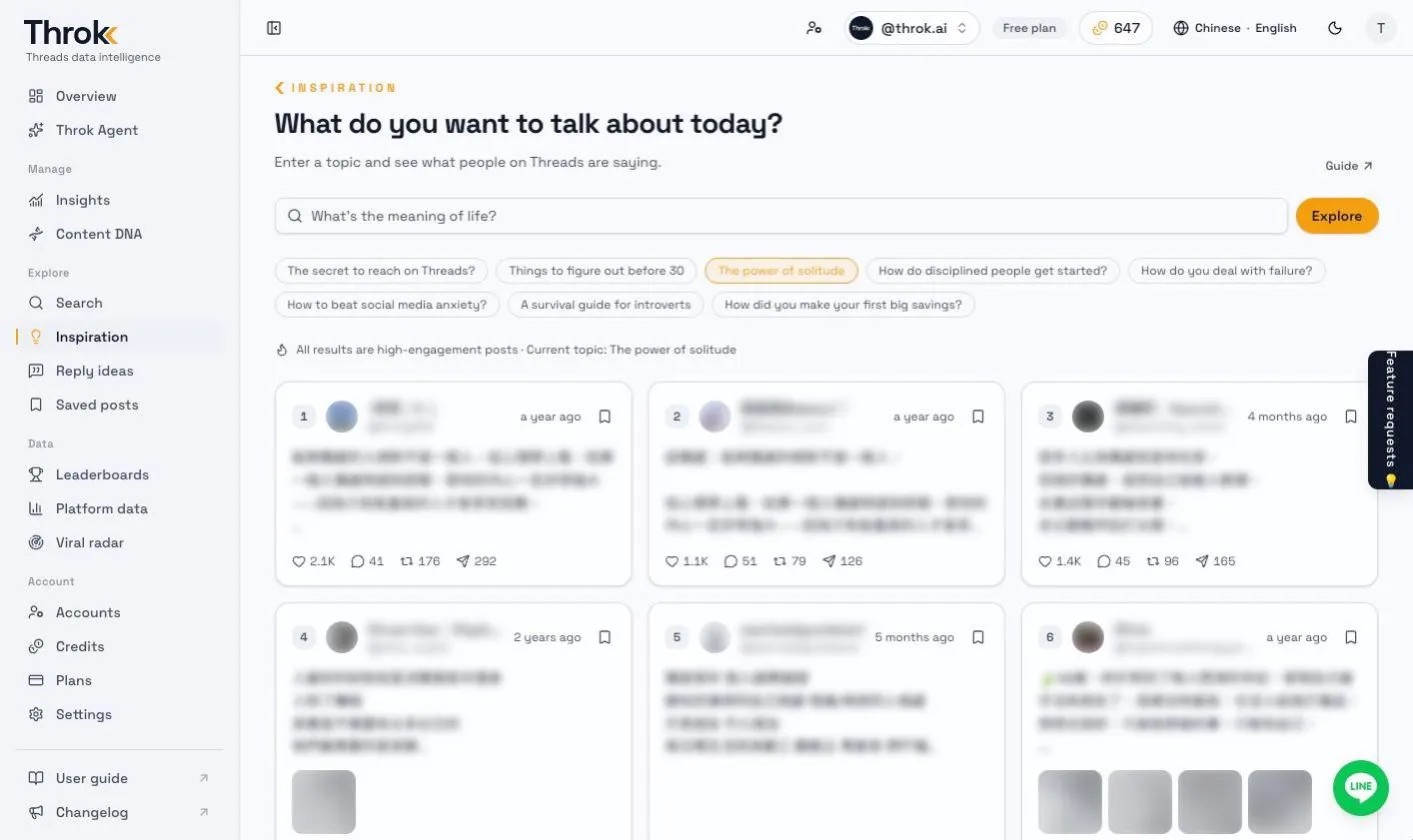
Inspiration matches by meaning, not by exact keywords, so you don’t need the precise wording. Just describe the topic in a sentence. To find posts that contain specific words, use Search instead.
Results follow the post language you pick in the header: choose English to see English posts, Japanese to see only Japanese posts, and so on.
Reply ideas
Section titled “Reply ideas”Want to reply to a post but not sure how to write a reply people will like?
- Paste a Threads post URL or post code into Reply ideas.
- Throk finds viral posts similar to this one and lists the most-liked replies under them.
- Pick one as a reference and copy it.
To have AI draft the reply for you, click Reply with Throk Agent on the post details page. See Throk Agent.